Support ticketing
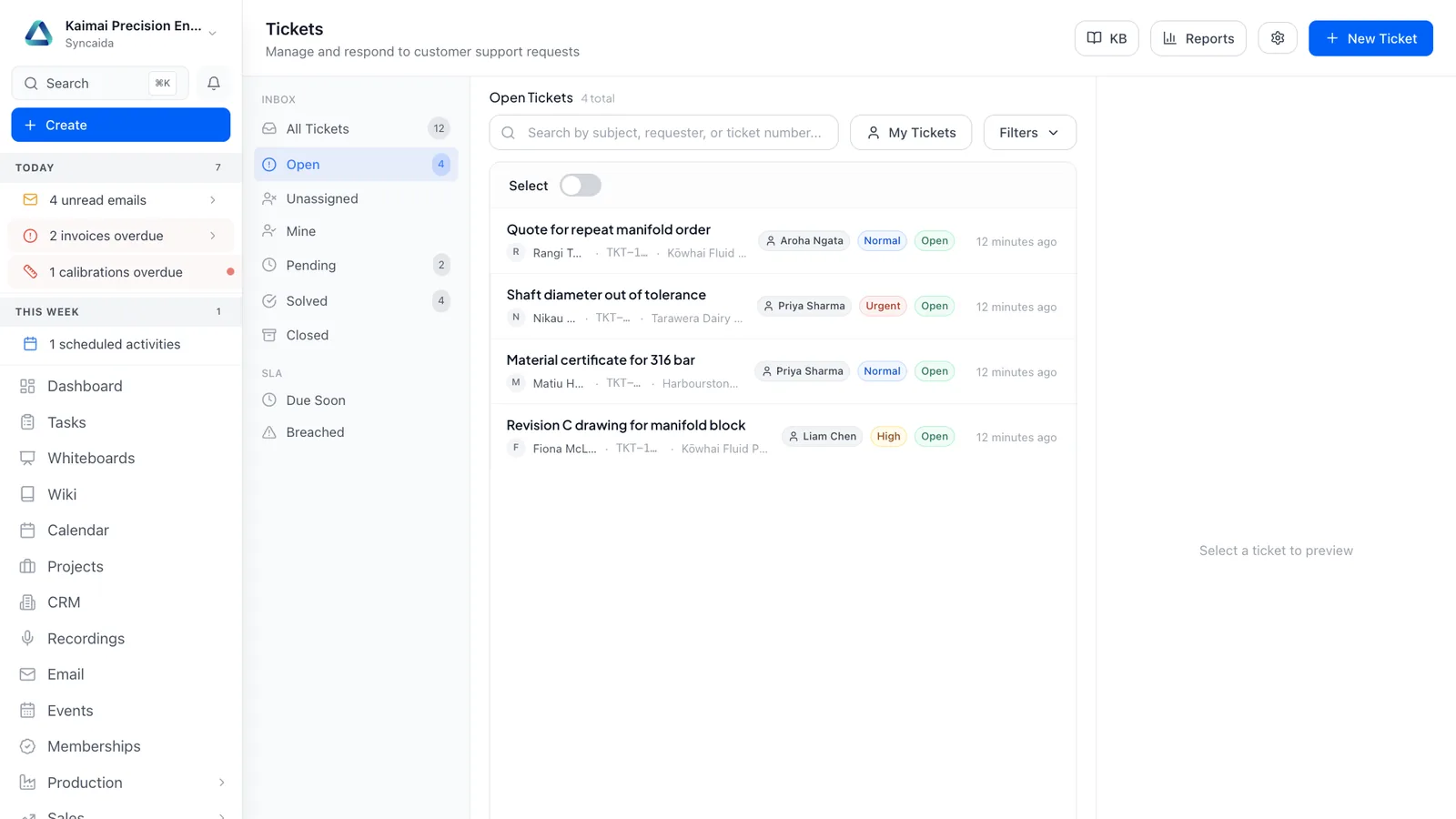
Bring customer requests, service history and resolution work together, with clear ownership and a portal customers can use.
Features
Queues and priorities
Assign tickets, monitor SLA timers and apply escalation rules.
Helpful AI drafts
Draft replies using your own knowledge base, then review before sending.
Customer access
Offer a passwordless support portal and customer-facing knowledge articles.
How it connects
The ticket connects the customer, equipment, service contract and work needed to resolve the issue.
See the whole platform Related capabilities
Questions
What can I do with Support ticketing?
Bring customer requests, service history and resolution work together, with clear ownership and a portal customers can use. Assign tickets, monitor SLA timers and apply escalation rules. Draft replies using your own knowledge base, then review before sending. Offer a passwordless support portal and customer-facing knowledge articles.
How does support ticketing connect to the rest of Syncaida?
The ticket connects the customer, equipment, service contract and work needed to resolve the issue.
How do we get started?
We scope the support ticketing workflow around your business, agree the enabled modules and permissions, and plan configuration, any data migration and onboarding. Your agreement and pricing define the capabilities included.
Book a demo
Tell us what you need to manage. We’ll show you the relevant parts of Syncaida.