Projects
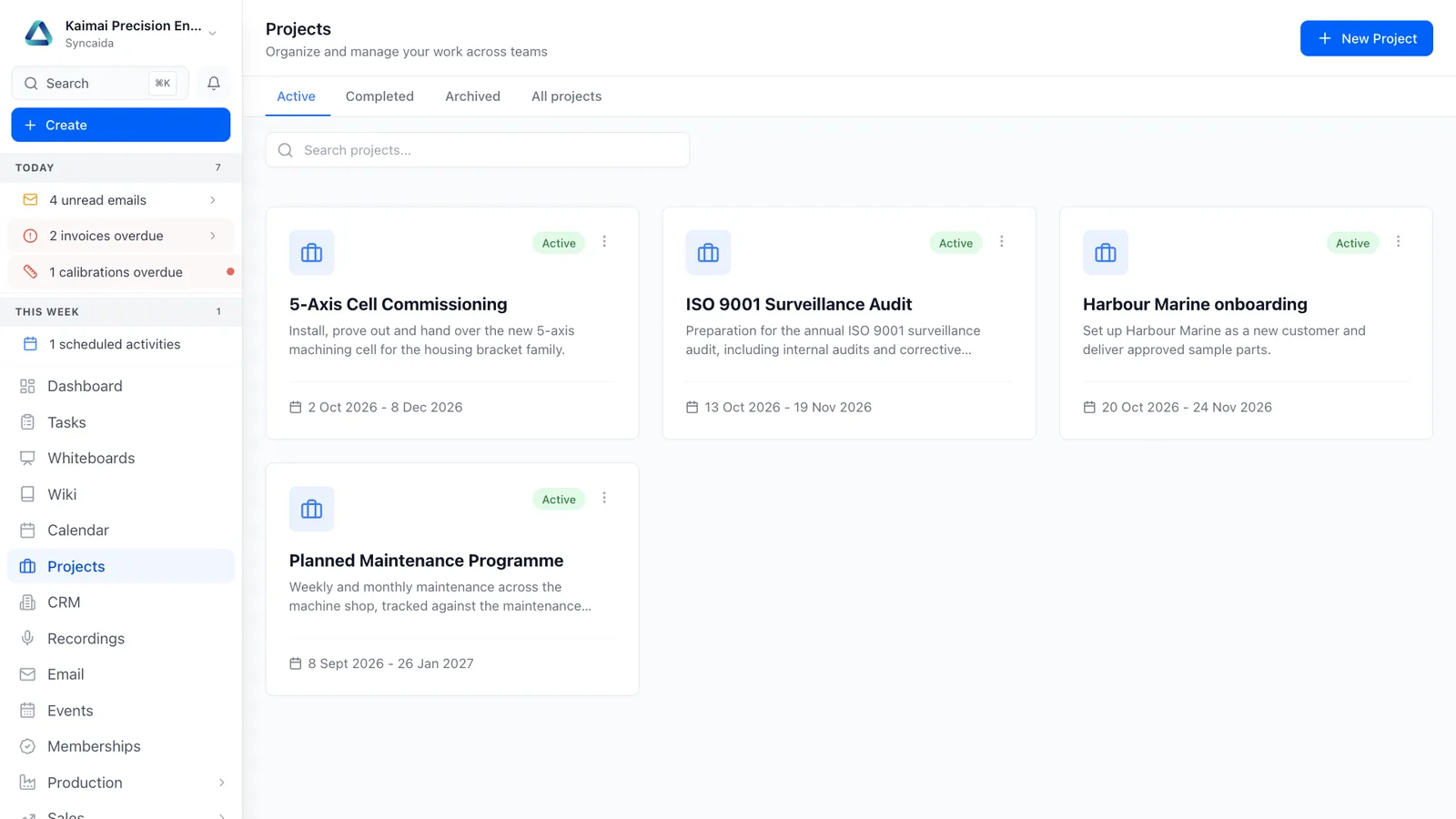
Connect project plans, people, files and financial detail to the customer record, from the first milestone through to completion.
Features
Plan the delivery
Manage tasks, milestones, project members and progress.
Capture the evidence
Keep files and project photographs alongside the work.
Understand the cost
Connect time, costs, invoicing and supporting workboards.
How it connects
An accepted proposal becomes a project. Tasks, photographs, time and invoices build one delivery history.
See the whole platform Related capabilities
Questions
What can I do with Projects?
Connect project plans, people, files and financial detail to the customer record, from the first milestone through to completion. Manage tasks, milestones, project members and progress. Keep files and project photographs alongside the work. Connect time, costs, invoicing and supporting workboards.
How does projects connect to the rest of Syncaida?
An accepted proposal becomes a project. Tasks, photographs, time and invoices build one delivery history.
How do we get started?
We scope the projects workflow around your business, agree the enabled modules and permissions, and plan configuration, any data migration and onboarding. Your agreement and pricing define the capabilities included.
Book a demo
Tell us what you need to manage. We’ll show you the relevant parts of Syncaida.